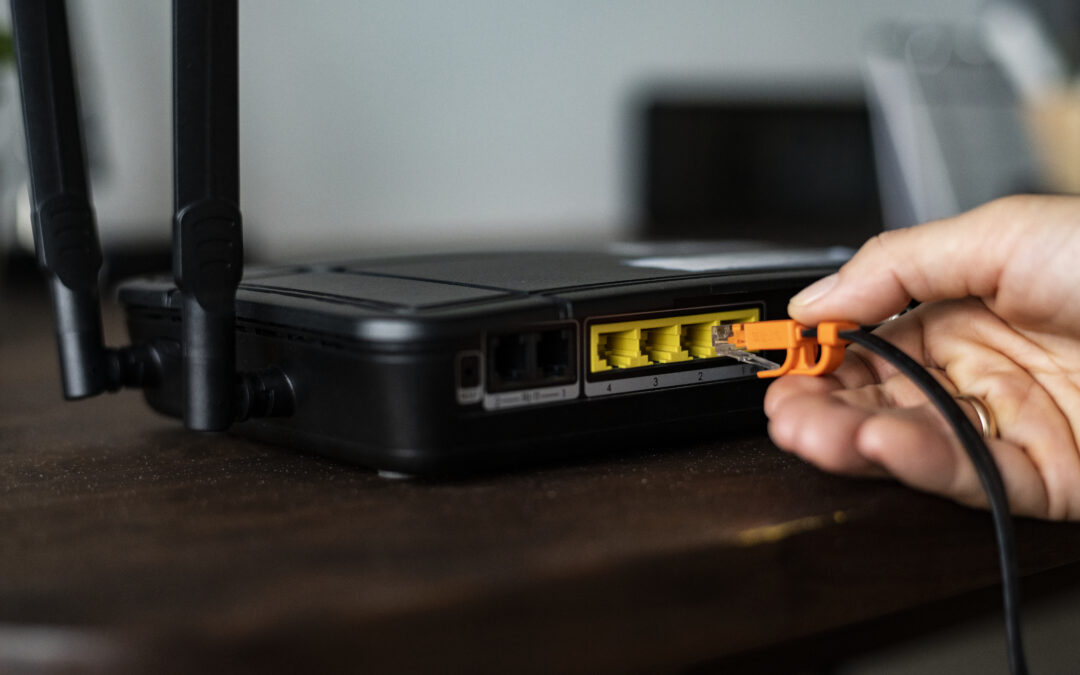
Setting up your home network can be very challenging and we’ll be discussing some of the basic setups that homeowners strategies can use and the importance of hiring a professional like Fix IT & Home Repair.
Setting up your home network can be difficult, especially if you don’t know how or if you’ve never done it before. Despite it feeling like a daunting task, by being aware of different resources and basic strategies you can feel a lot more prepared to set up your home network. That’s why understanding the basics of router placement, the differences between traditional routers and mesh networks, and how a professional like me can be a great help, can make setting up your network so much easier.
When you begin your home network setup, placement for your router is critical. If it’s not placed strategically, the signal won’t reach every place in your home and can’t work to its full potential (Where to Place Your Wi-Fi Router for the Best Signal). At Lifewire they explain, “A router emits a Wi-Fi signal in all directions, but the signal can be interrupted by objects and other devices. … A wireless router is best placed in the center of your home and away from obstacles like concrete or brick walls, home appliances, and other electronic devices.” (How to Set Up a Router) So as you decide where to place your router, be aware of where it’ll get the best signal to the whole house as well as places where there are many obstacles that could block the signal.
In many homes, particularly in St. George, traditional routers don’t work in their home as well as they should. This is because in a place like St. George, there are often dead Wi-Fi spots, particularly in more agricultural areas, and larger than average homes (Mesh Network vs. Router). When purchasing a certain type of router, be sure to ask yourself whether or not your house is big enough that it needs a more powerful router, if you live on a large and more rural property, and/or if in general you struggle to get a signal with just a regular router. These questions can help you identify whether or not you need a regular or mesh Wi-Fi. Mesh Wi-Fi is much stronger and perfect for bigger homes and for places that struggle with their Wi-Fi (What Is Mesh Wi-Fi and How Does It Work?). So, be aware of the size and need of your home when choosing what kind of router and Wi-Fi to use. This will help you be more prepared when setting up your network and help you have the things you need for the best working home network possible.
When setting up your home network, hiring professional help like me at Fix IT & Home Repair can be a great help. With over 10 years of experience, I can help you set up your home network quickly and efficiently so you can begin using it as soon as possible (Fix IT & Home Repair). With my help, we can get your home network to be working at its fullest potential. So call me today at (435)-319-0155 and see how I can help you with your home network here in Southern Utah.